

ESIM VIETNAM
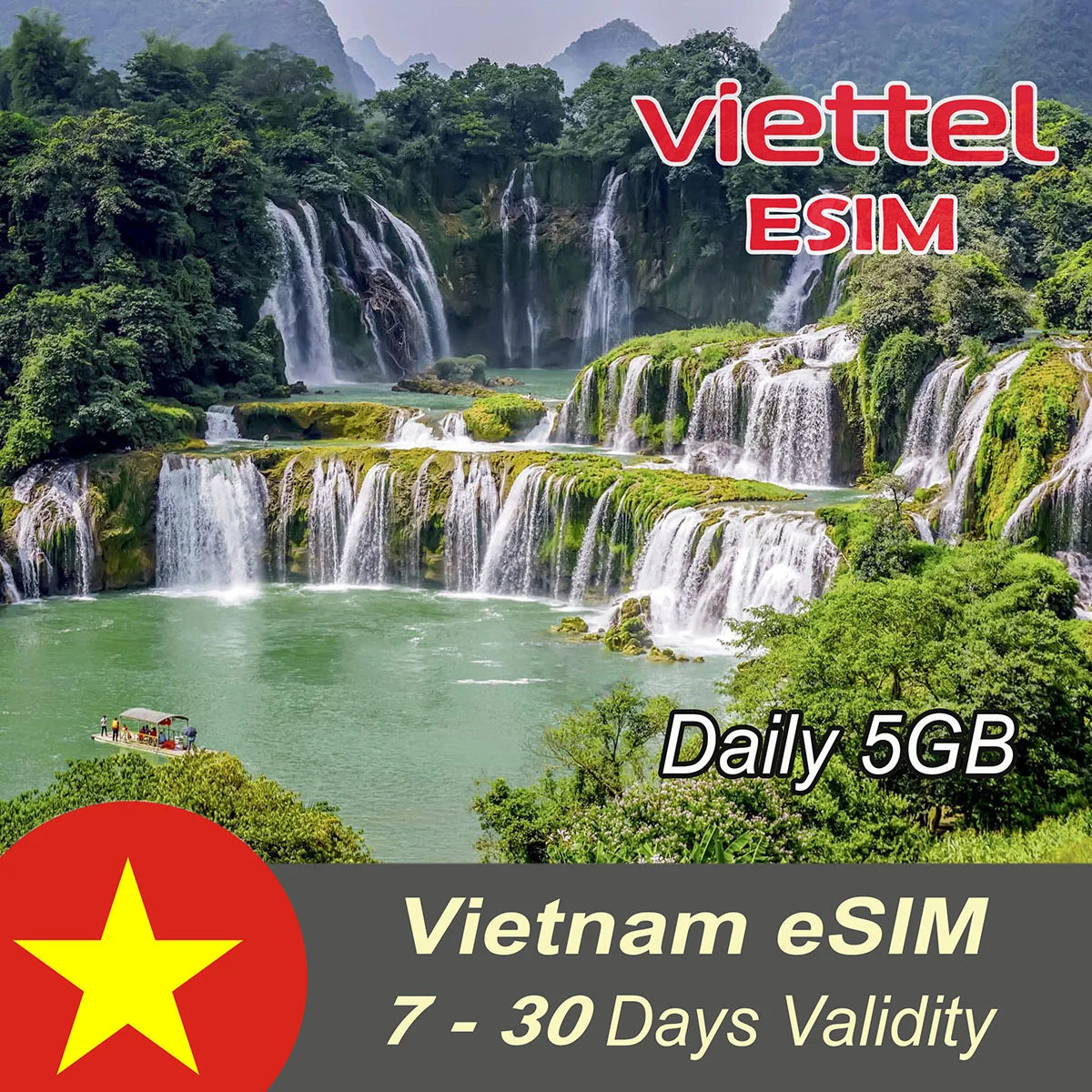
Viettel eSIM Daily 5GB For 7|10|15|20|30 Days
Viettel eSIM Daily 5GB For 7|10|15|20|30 Days
 NOTE: The eSIM must be purchased no more than 15 days before the intended date of use.
 Validity start: eSIM validity starts right after you install it on your phone

 Daily 5GB at highspeed 4G/LTE for 7, 10, 15, 20 & 30 days
 eSIM Number: No, Pre-paid Data only (Exclude Vietnamese eSIM Number).

ATTENTION: Please make sure your phone is compatible with eSIM before purchase. Refunds are subject to a $5.00 fee as specified in the refund policy
Couldn't load pickup availability


| VALIDITY | 7 / 10 / 15 / 20 / 30 Days |
| DATA | 5GB/day & Reset at 23:59 in a natural day, Vietnam time (GMT+7) |
| Data usage | Text: KTTK send to 191 |
| Validity start | When the eSIM is installed on the device |
| APN as | v-internet |
Apple/iPhone Carrier Check
-

- If you bought your iPhone under an installment plan or monthly contract from carriers such as T-Mobile, AT&T, Verizon, Vodafone, or similar, your phone might be network-locked. as carriers often lock phones until they are fully paid off to prevent fraud and promote customer loyalty.
- To check if your iPhone is locked, go to Settings > General > About and look for Carrier Lock; if it says "SIM locked," you'll need to request an unlock from your carrier.
If your phone is locked you can not use esim and other mobile networks, Please contact your mobile carrier to unlock your phone

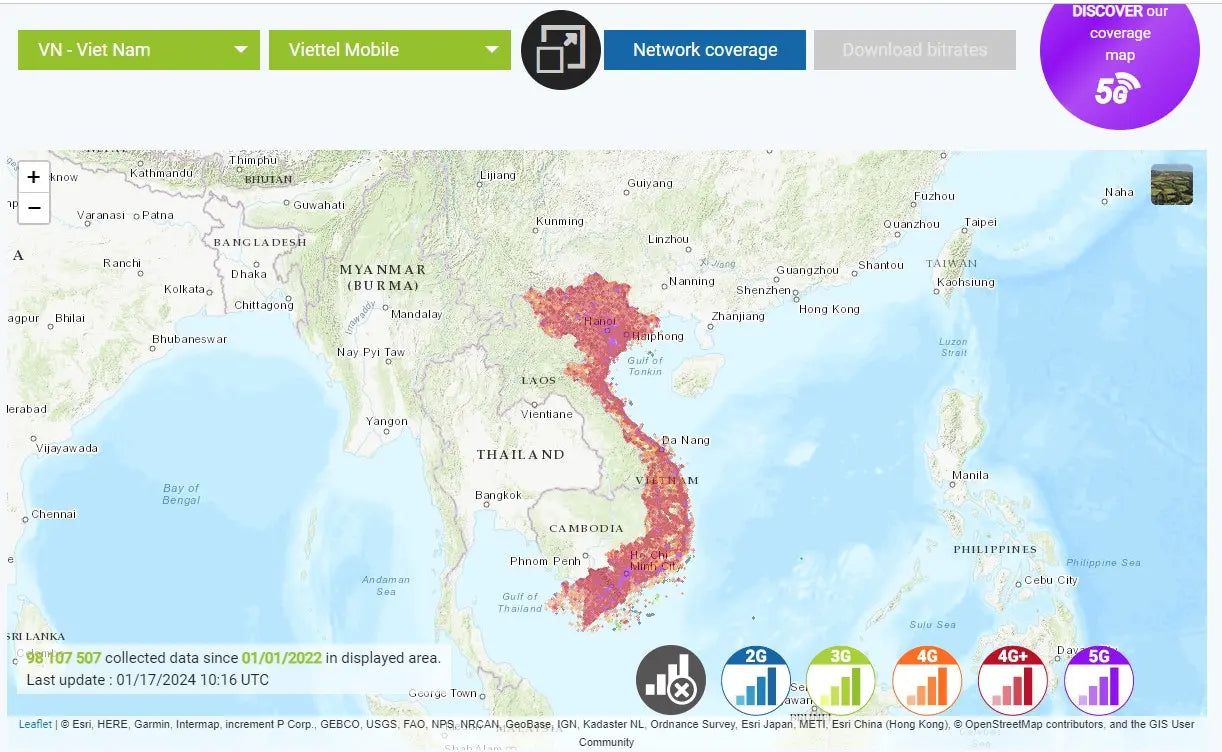
Viettel network Coverage Map
It is covered by Viettel network – which is #01 mobile operators in Vietnam.
- According to the latest test results announced by Speedtest, Viettel has become the fastest mobile network in Vietnam in 2025
- Viettel has continuously expanded 4G coverage in both indoor (for closed areas such as inside buildings) and outdoor (large outside spaces) nationwide, bringing a smooth experience anytime, anywhere, in any space.
You can see its coverage map here.
Strengths of eSIM

Easy to use
100% online. Receive eSIM via email. Scan a QR code to install. Activate eSIM when you land and get connected instantly.

Free roaming
Save 100% on data roaming charges and comfortably make calls and texts via WhatsApp, Telegram, Facetime, etc.

Whole Vietnam coverage
Work in all destinations in Vietnam. Stay connected anytime, anywhere.

Instant delivery
eSIM profile details delivered via email. No waiting for shipping, no removal, no risk of loss.

24/7 support
Answer questions and provide 24/7 technical support via Whatsapp or email.

Keep original SIM
eSIM is digital, so it‘s no need to remove your original sim cards, but still receive calls, SMS if any.

Receive eSIM information by e-mail
As soon as your order is placed, you will receive immediately Vietnam eSIM details via email.
- A QR code
- User’s Guide
Notes:
- You should install eSIM before departure to stay connected right after landing.
- If having trouble during installation, DON’T DELETE the eSIM and contact us right away.
Frequently Asked Questions
About Viettel eSIM
1. Restricted airport Wi-Fi
Many airport public networks block certain services (like QR code activation servers or carrier connections), which can prevent eSIM installation.
2. Unstable connection
Free Wi-Fi at airports is often slow or overloaded, causing the eSIM download to fail.
3. Security limitations
Some eSIM activation requires a secure and stable connection. Public Wi-Fi may not meet those requirements.
4. VPN or firewall issues
If you're using a VPN or if the network has a firewall, it can interfere with the eSIM activation process.
How to fix it:
Switch to a different Wi-Fi network (hotel, café, etc.)
Use mobile data from another SIM
Turn off VPN if enabled
Try again in an area with stronger signal
A VPN can change your internet routing, DNS settings, or virtual location, which may prevent your phone from connecting correctly to the carrier’s eSIM activation server (SM-DP+).
For a successful installation:
1. Turn off or pause your VPN.
2. Connect to a stable Wi-Fi network.
3. Install the eSIM using the QR code we provided.
4. After the eSIM is successfully installed, you can turn your VPN back on if needed.
👉 Important: You only need to disable the VPN temporarily during eSIM installation. Once installation is complete, you may reconnect your VPN.